See your next talk take shape.
Write it, time it, then keep your place when you stand up.
Write or paste
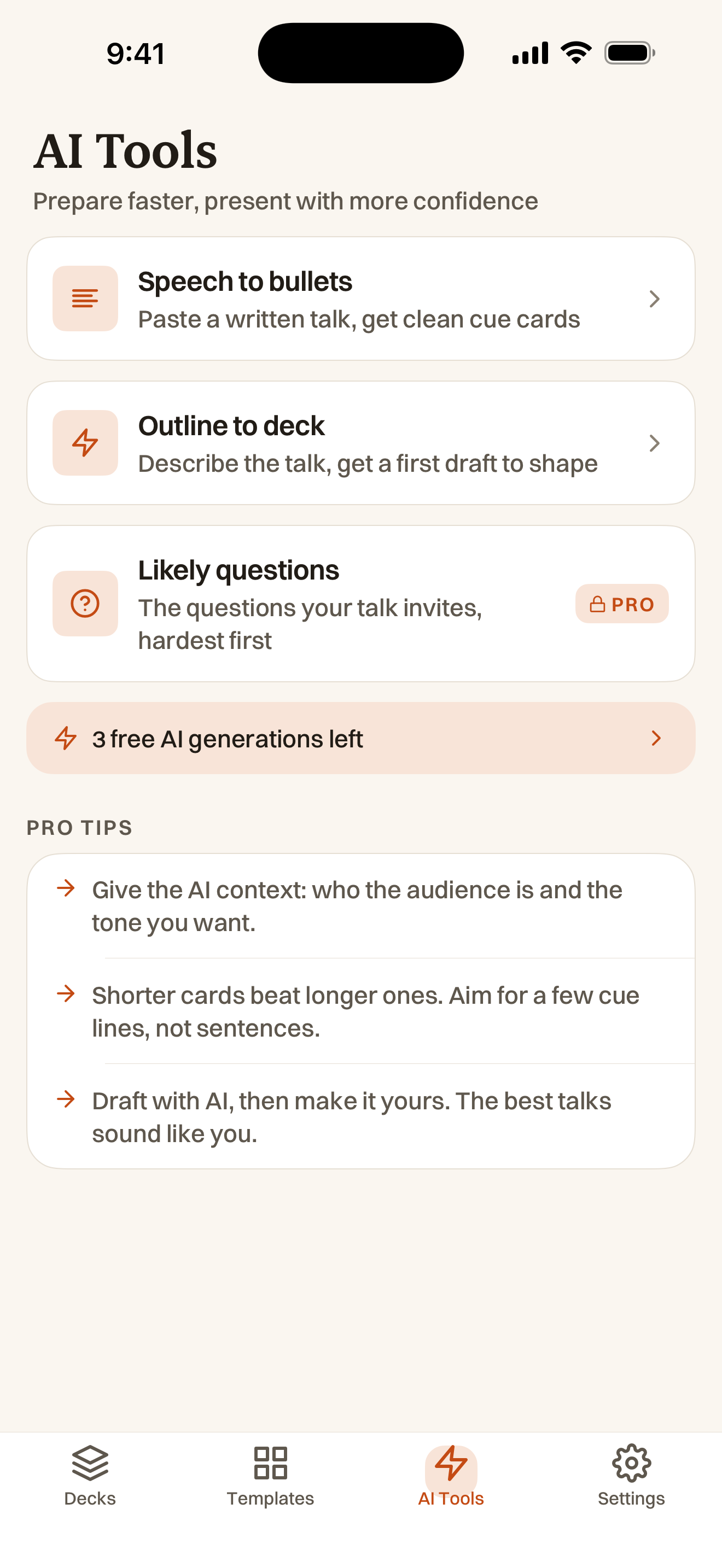
Start with your notes, import a Word file or draft with AI. Edit your cards and drag them into order.
Rehearse
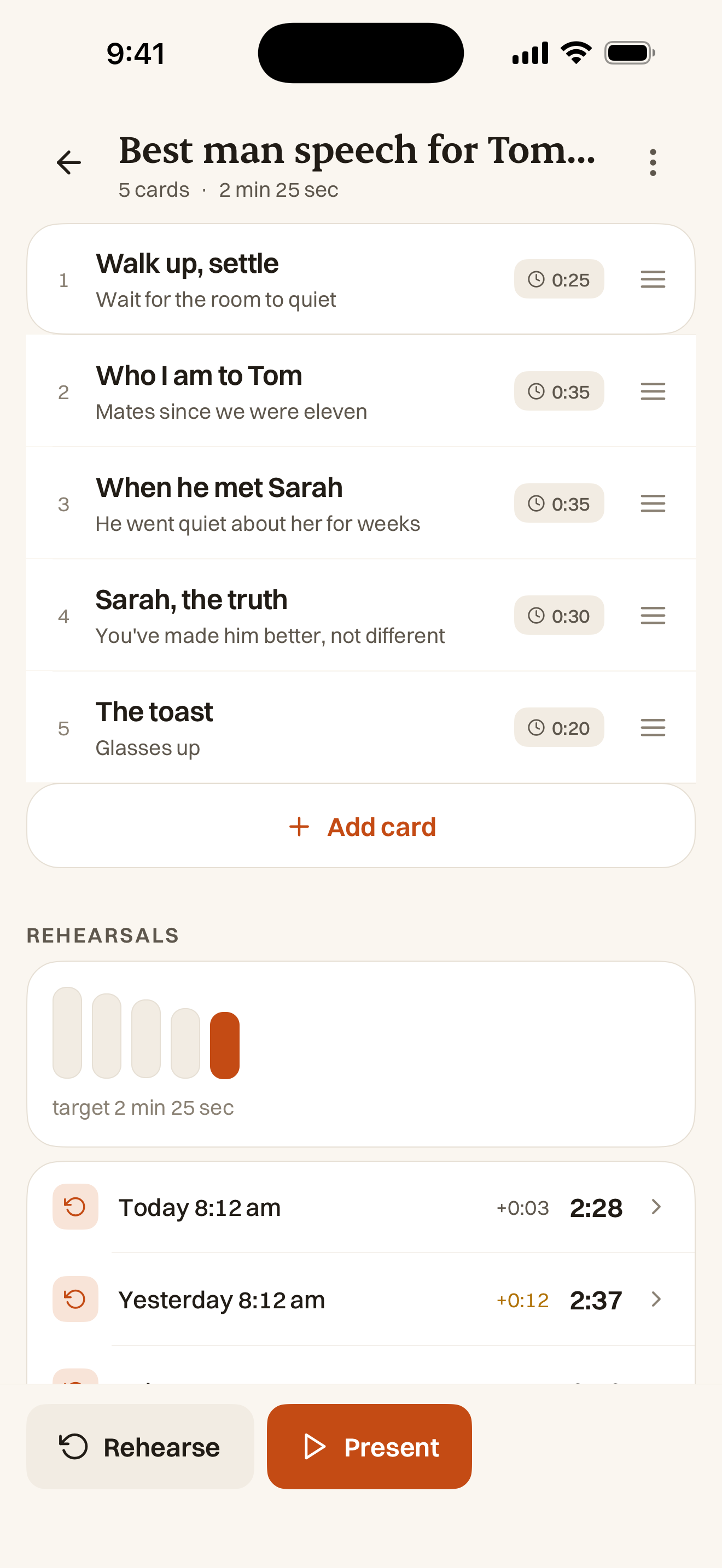
Practise against your target time. Review each card’s timing and your previous runs.
Present
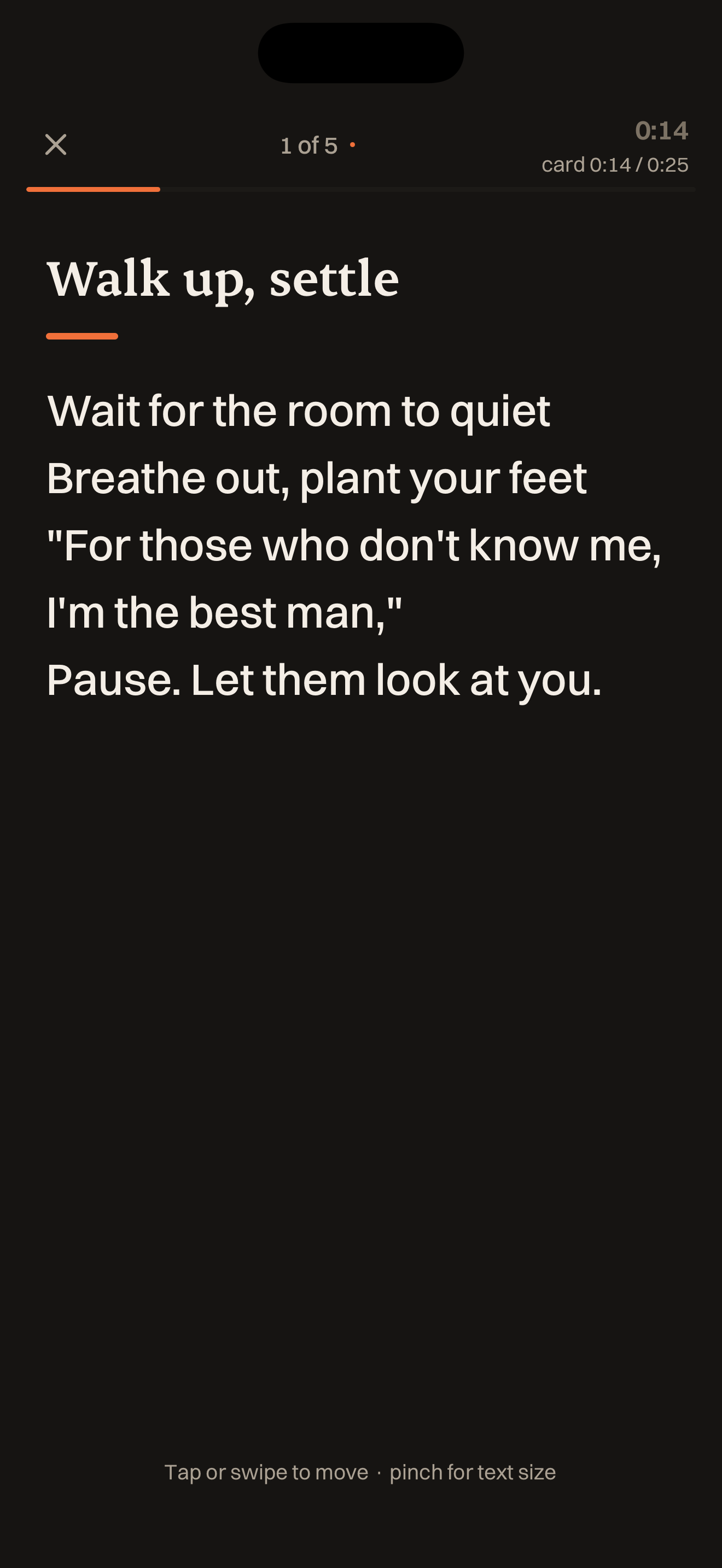
Swipe through readable cards, even offline. Prefer paper? Export a PDF and print your deck.
Real app screens with example decks. AI needs an internet connection; presenting and rehearsal work offline.
Quietly clever. Never in the way.
Everything you need on stage, and nothing you don’t.
Swipe to present
Big, readable type. One thumb. Pinch to zoom when the lights are low and the nerves are high.
Rehearse with timing
Compare each card’s time with its target and review your rehearsal history. Timing helps you decide what to trim.
Hands free
Turn on volume-key advance in Settings, then your volume buttons move the cards. A Bluetooth clicker works too, if it sends volume keys. Eyes up, not down.
Export to PDF
Print your cards, three to an A4 page. PDF export is free; Pro removes the PalmCards footer.
AI gives you a head start
Paste a wall of text and let PalmCards draft, split and tighten it into cue cards you can edit.
Works without signal
Present mode runs fully offline. No dropouts mid-talk because the venue wifi gave up.
For every kind of talk.
It started with work talks. It turns out to help anywhere you have to stand up and speak.
Free to start. Pro when it counts.
Start free with decks, rehearsal and presenting. Pro adds unlimited AI, Likely questions, every template and PDFs without the PalmCards footer.
- Unlimited decks and cards
- Full present mode, timer and volume-key advance
- Rehearse with history
- PDF export with the PalmCards footer
- 3 free AI generations
- Offline paste-to-cards and free starter templates
- Everything in Free
- Unlimited AI draft, split, tighten, expand and Ask
- Likely questions for your deck’s Q&A
- Every template
- Unbranded PDF export, no PalmCards footer
Prices in USD. The App Store confirms your price and trial eligibility. Cancel anytime.
Questions, answered.
Does it work offline?
Yes. Present mode runs completely offline, so a flaky venue connection can’t interrupt you mid-talk. You only need a connection for the AI drafting features.
Can I use it on iPad?
Yes. PalmCards supports iPhone and iPad on iOS or iPadOS 16.4 or later. The layout adapts to the screen, with larger cards in present mode on iPad. Decks stay on each device; use export and import to move them. Android is coming soon.
Can I bring my existing notes?
Paste in a script, notes or an outline and PalmCards splits it into clean cue cards. Or build them card by card yourself. You stay in control of every word.
Can I use a clicker or remote?
Sometimes. Turn on volume-key advance in Settings and your phone’s volume buttons will move the cards. A Bluetooth clicker works through that same setting, but only if it sends volume keys. A presentation remote that sends page-up and page-down does nothing in PalmCards, and a remote that needs a USB dongle will not pair with an iPhone at all. It ships off so a stray volume press can’t skip a card mid-talk.
Is it really free to start?
Yes. Create unlimited decks and cards, rehearse, present and export PDFs with the PalmCards footer. You also get starter templates and 3 free AI generations. Pro adds unlimited AI, Likely questions, every template and unbranded PDF export.
Why not just use ChatGPT?
Use it if it helps you get the words down. It writes well. It just isn’t what you want in your hand when the room goes quiet, because it can’t time you, can’t be read at a glance, and won’t work if the venue has no signal. Write it wherever you like, then bring it here. The longer answer.
More questions? Read the full Help & FAQ.
Bring your next talk.
Start a free deck on iPhone or iPad. Add your points, run through them once, and keep your cards ready for the room.
 Coming soon toGoogle Play
Free on iPhone and iPad. Android coming soon.
Reading on a computer? Point your iPhone or iPad camera here.